Using Checkpoint
Checkpoint is where you will be able to intercept, inspect, and modify requests or responses in Marasi. Like Compass, it is an extension and can be configured in Lua.
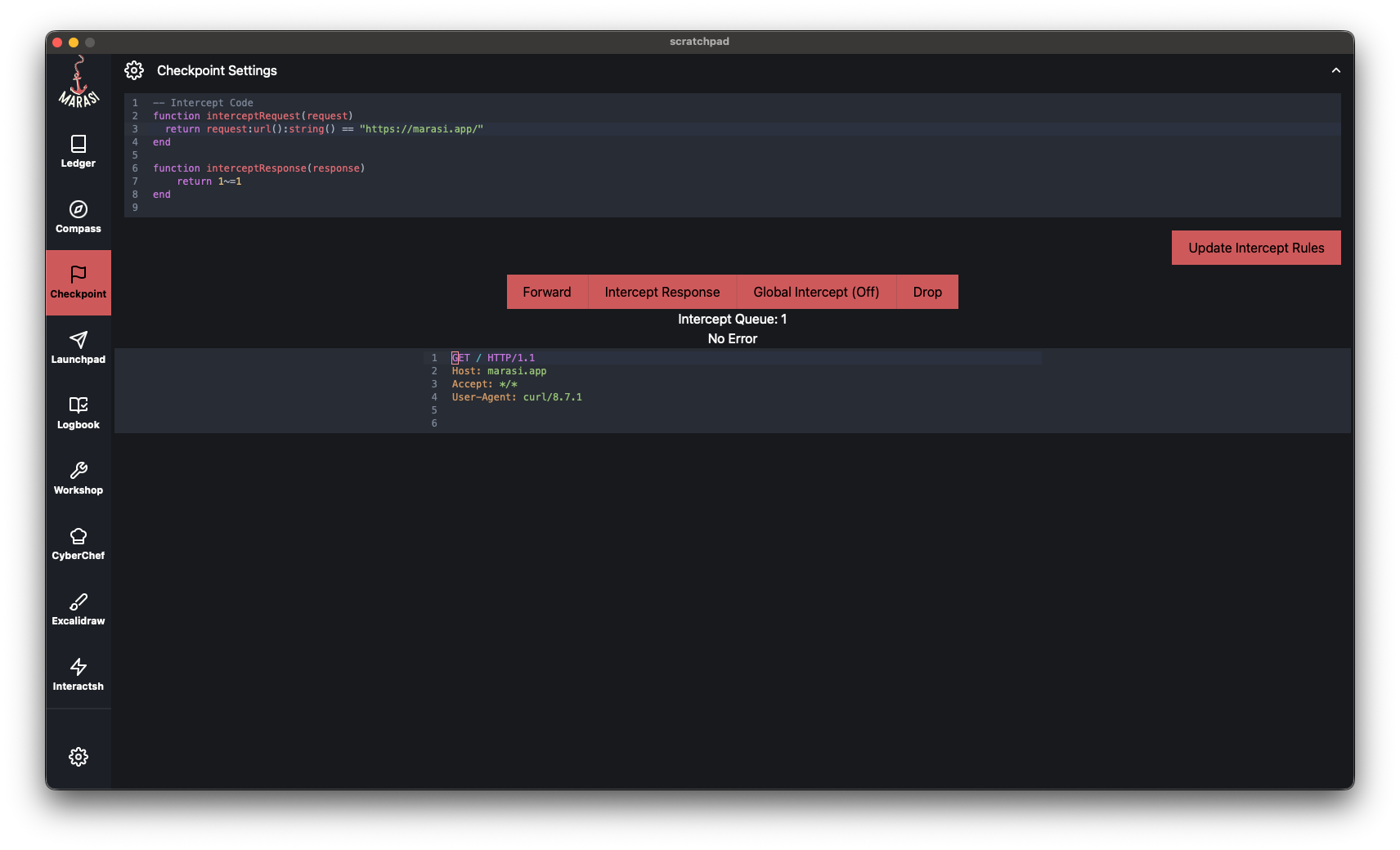
To get started, open the top accordion or press ⌘/Ctrl+P. This editor is where you will be configuring your interception rules.
Anytime you update your interception rules, you will need to evaluate the code by pressing ⌘/Ctrl+Shift+R or clicking on Update Intercept Rules.
Interception Rules
Checkpoint will run interceptRequest and interceptResponse, if these functions return true, the item will be added to the interception queue.
For example, the below function will intercept any request that has a URL matching https://marasi.app.
function interceptRequest(request)
  return request:url():string() == "https://marasi.app/"
end-
Checkpoint will run straight after the Compass, so any item will already be filtered based on the defined scope.
-
Toggle the global flag to intercept any request / response by pressing ⌘/Ctrl+I or clicking on the Global Intercept button.
-
You can intercept a response manually regardless of the defined
interceptResponseby clicking on Intercept Response. -
The Lua environment is preconfigured with many libraries and methods, allowing you to build granular interception logic.
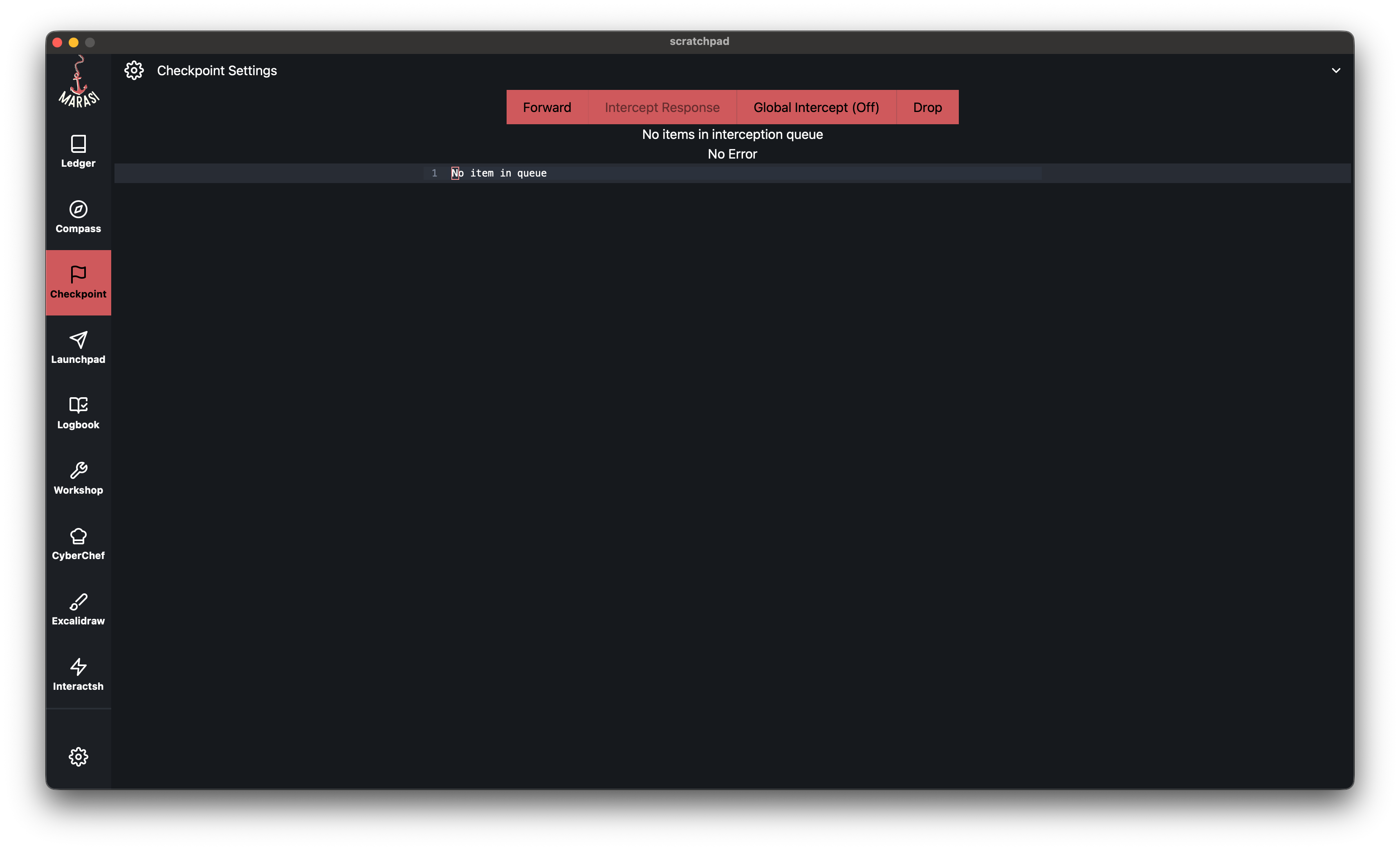
Once a request/response is in the queue you will be given the option to drop or forward it through Marasi.
Any modification made to the item will need to be valid HTTP. Other fields such as the Content-Length will update automatically once the item is forwarded.
Working with Intercepted Items
Every time an item is intercepted it is added to the queue. The number of items in the queue is displayed above the intercepted item editor. You have three options to choose from:
- Drop the item, meaning it will not reach the client or server.
- Forward the item with or without modification.
- Forward the item with or without modification and intercept the incoming response.
-
Modifications to the items will need to be valid HTTP for both the requests and responses. If there are syntax errors, you will not be able to forward the modified item.
-
The Content-Length header will be updated automatically once the item is forwarded.
Common Interceptions
Intercept only POST requests
function interceptRequest(request)
  return request:method() == "POST"
end
Intercept requests with ‘oauth’ in the URL
function interceptRequest(request)
  return marasi.strings:contains(request:url():string(), "oauth")
end
Intercept responses with a specific metadata field set
When processing an outbound request, you may set a metadata key if certain conditions are met. This metadata value persists in the response and can be used to build interception logic.
-- Setting the metadata key in the Workshop
function processRequest(req)
  req:set_metadata({test_key = "Hello"})
end

-- Checkpoint Code
function interceptResponse(response)
  return response:metadata()["workshop"] and response:metadata()["workshop"]["test_key"]
end
You can play around with the Checkpoint feature to meet your needs. Next up, we will be going over Launchpad where you will be able to rapidly iterate and modify requests.